Similar photos
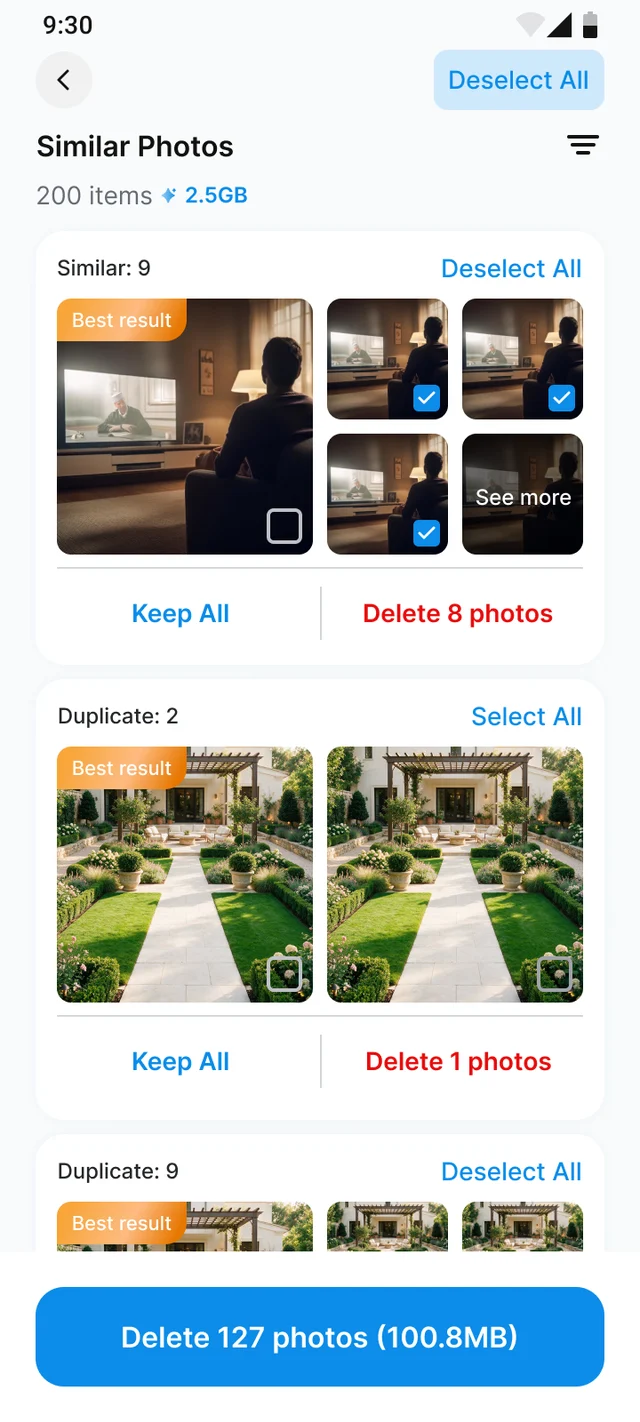
Burst shots, retries and near-identical frames are clustered by what they actually look like. The sharpest, largest copy of each group is kept and everything else is pre-ticked.

ByteClean scans your gallery on the device, groups the near-identical shots, duplicates, screenshots and screen recordings that quietly eat your storage, and keeps the best copy of every group. Every scan runs on your phone, and Android itself confirms before anything is deleted.
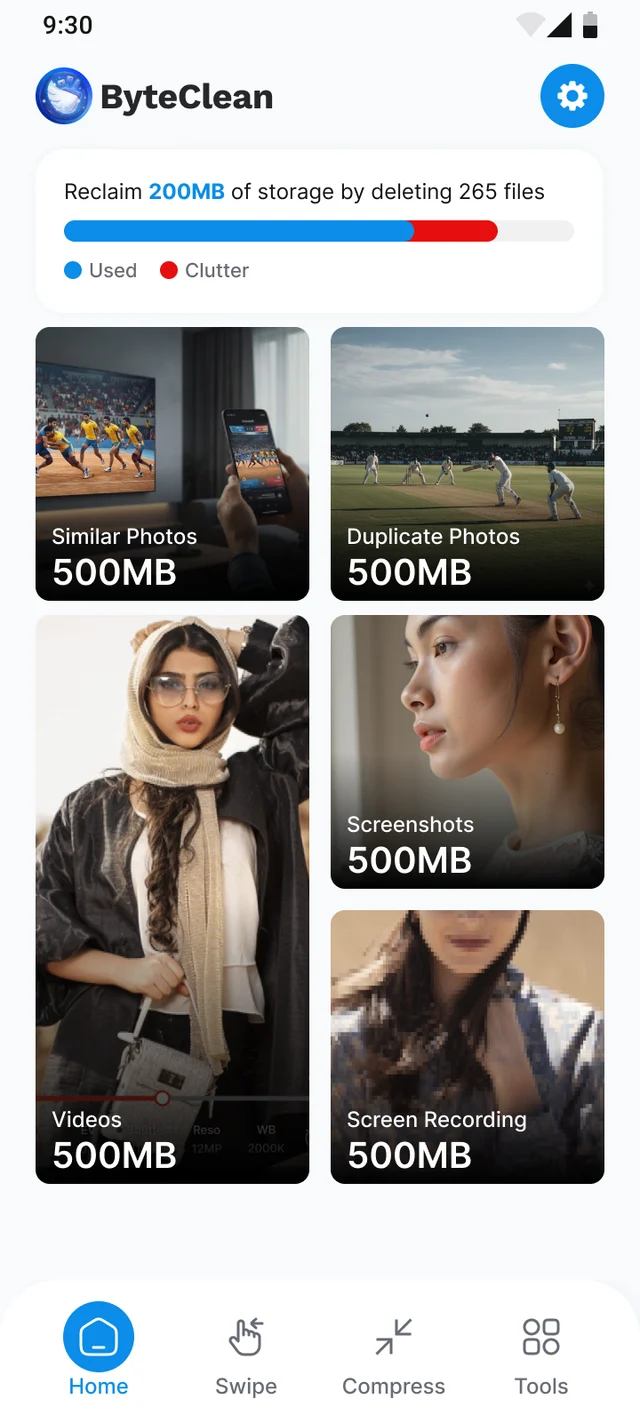
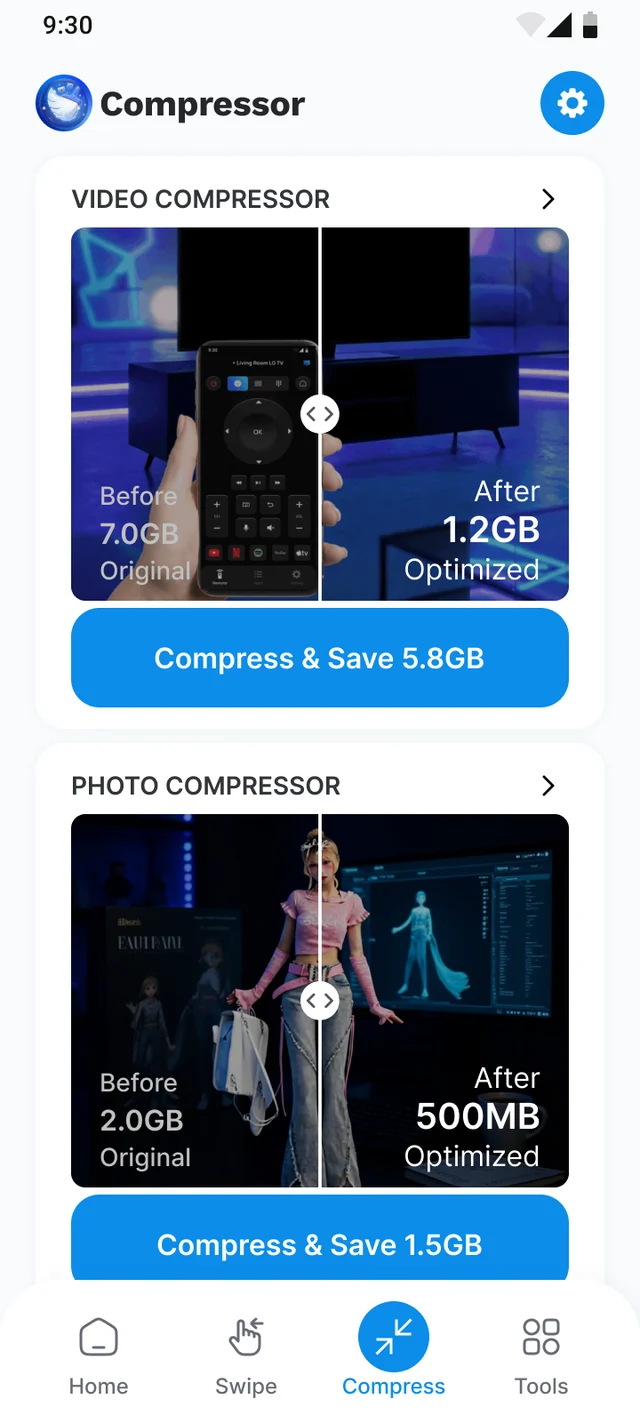
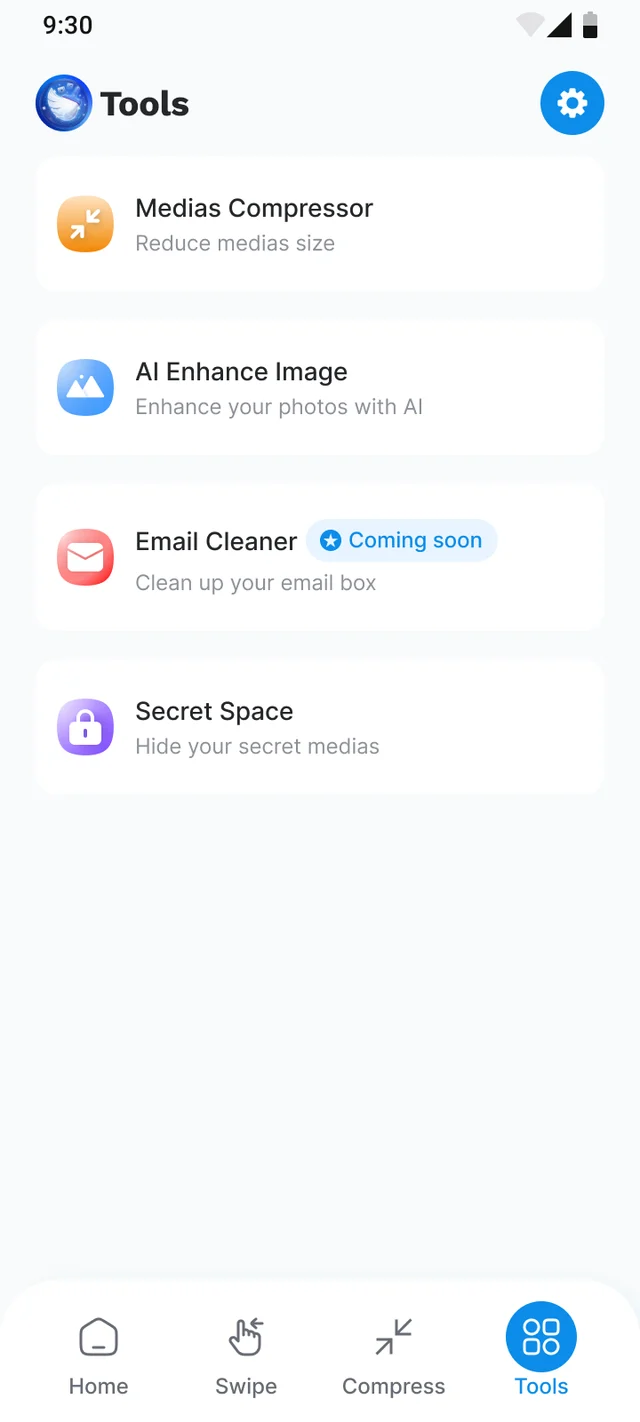
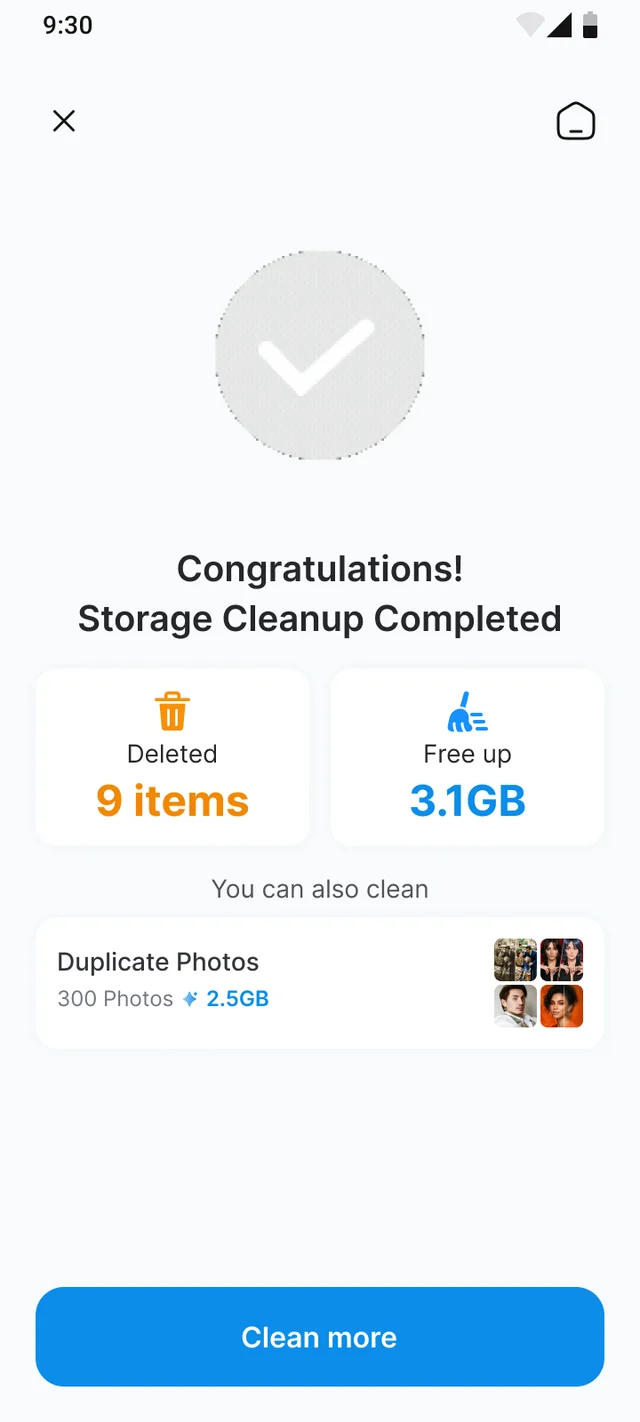
One bar shows what is used and what is clutter.
Features
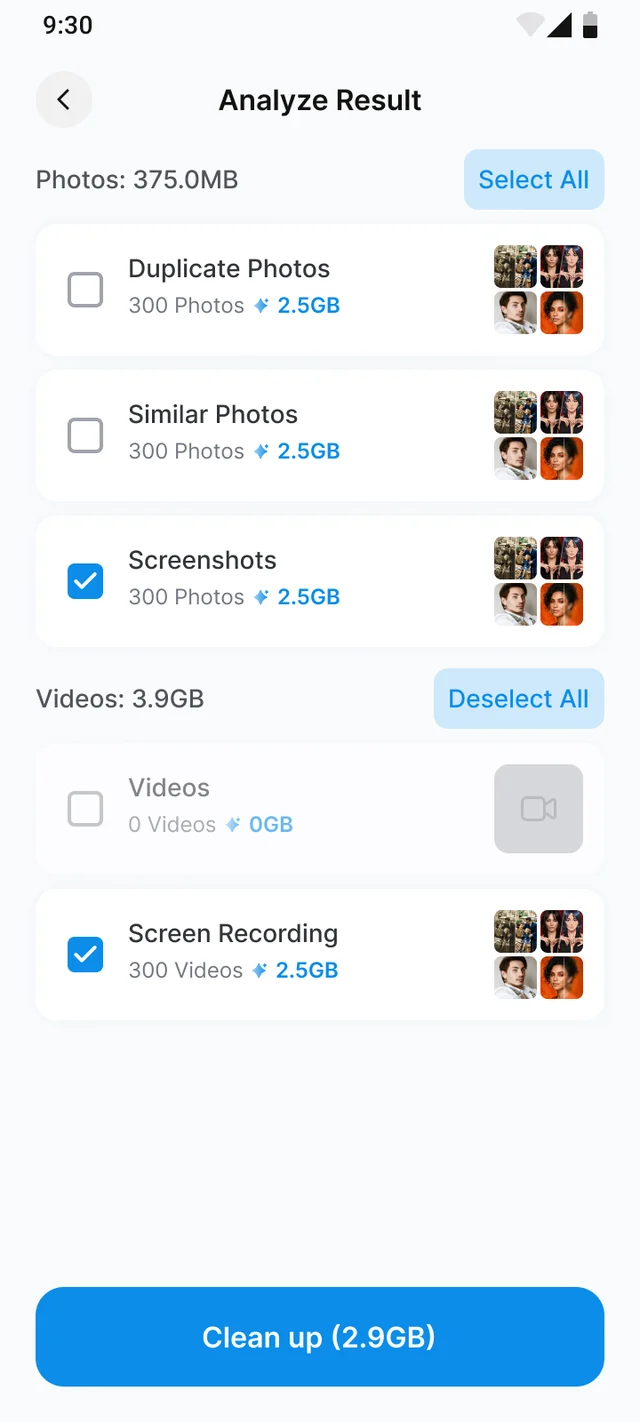
Similar photos, exact duplicates, screenshots, videos and screen recordings each get their own total — so you always know what you are about to delete.
Burst shots, retries and near-identical frames are clustered by what they actually look like. The sharpest, largest copy of each group is kept and everything else is pre-ticked.
The same file saved twice by a share sheet, a download or a backup. Byte-for-byte copies are separated from merely similar ones, so deleting them is never a judgement call.
The two folders that grow without anyone noticing. Screenshots are grouped like photos are; screen recordings are kept separate from your real videos so you never bin a memory.
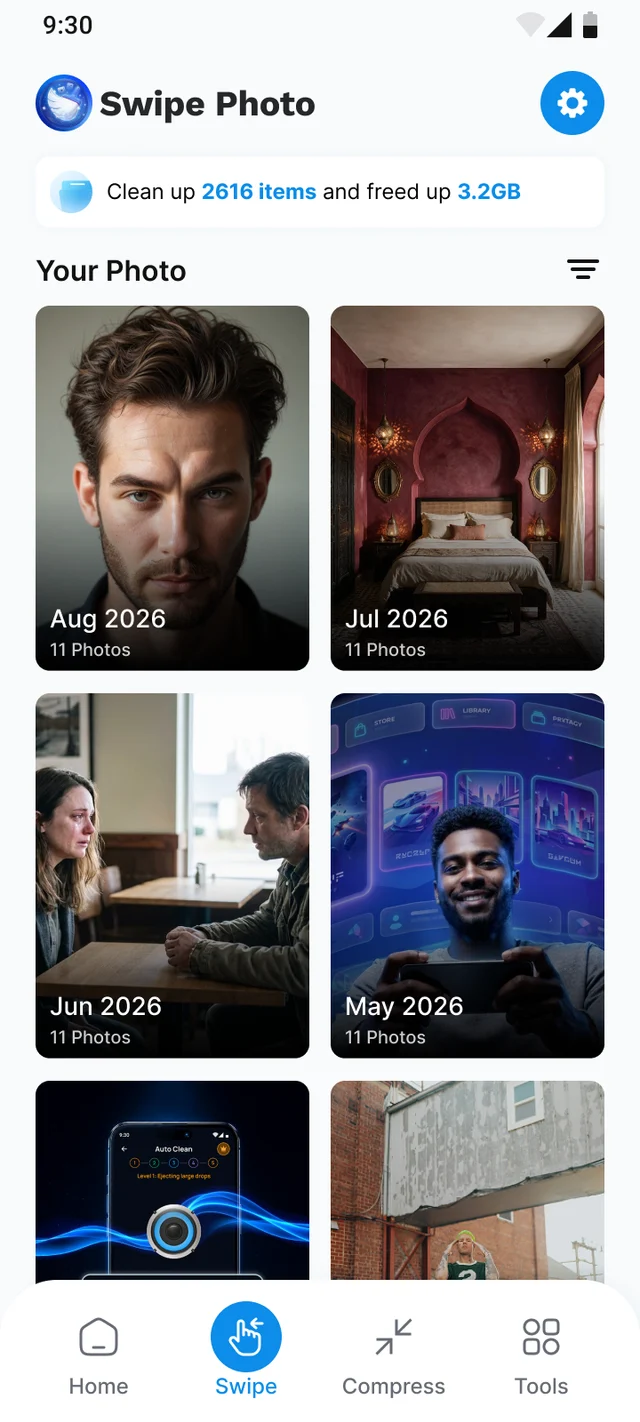
One photo at a time, month by month. Swipe left to bin, right to keep. Nothing is removed until you confirm the batch, and a swipe can always be taken back.
For the files you want to keep. Pick a quality, see the size before and after, and decide for yourself whether the original gets deleted afterwards.
Scanning, fingerprinting and grouping all run locally on your phone. No gallery upload, no account, no cloud copy — and Android itself asks before a single file is deleted.
How it works
ByteClean asks for photo and video access only — never all-files access — then scans your gallery on the device. Results appear while the scan is still running.
Similar, duplicate, screenshots, videos and screen recordings, each with a size. The best copy of every group is kept for you; change any of it before you commit.
Android's own delete dialog confirms the batch. The storage bar drops in real time and the result screen tells you exactly how much came back.
Privacy
A cleaner has to read every photo you own. That is exactly why ByteClean does all of it locally.
FAQ
Yes. Scanning, grouping, swipe cleaning and the compressor are all free and funded by advertising. There is a daily cap on how many files a single free session can delete; it resets on a timer shown inside the app.
No. The scan reads your gallery through Android MediaStore, and the visual fingerprint used to group similar photos is computed on the device. Nothing is uploaded, there is no account, and there is no cloud copy of your library.
No. Every deletion goes through Android’s own system confirmation dialog, which lists the files before anything is removed. If you dismiss that dialog, nothing is deleted.
Duplicates are the same image stored more than once — a download saved twice, a shared copy, a backup. Similar photos are different files that look alike: burst shots, retries, a few frames of the same moment. They are counted separately so you always know which kind you are deleting.
Store essentials
Publisher details, the legal documents linked from inside the app, and our authorised digital sellers file.
Free to use. One scan tells you how much of your storage is duplicate, similar or forgotten.